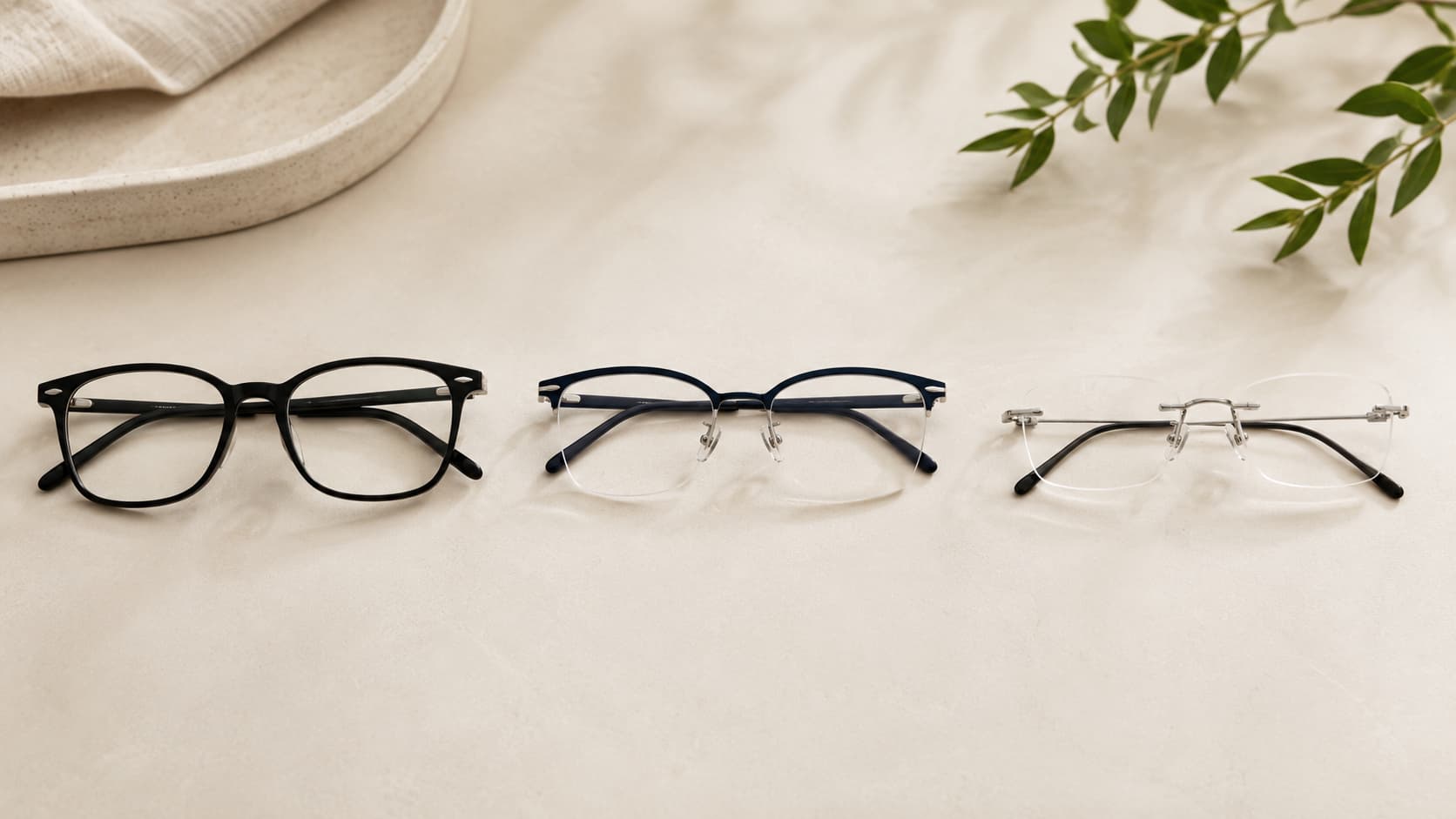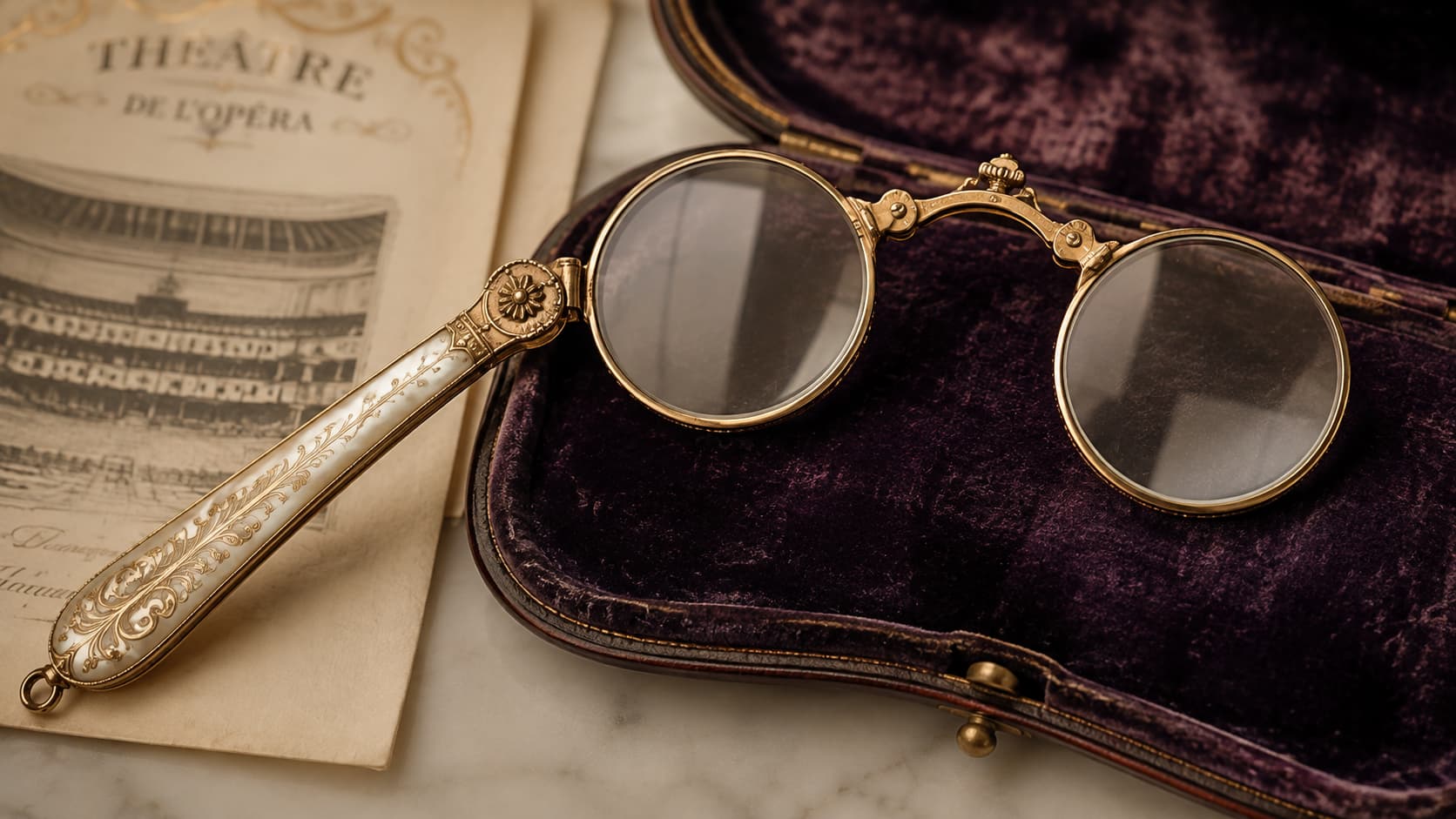

Smart glasses look almost exactly like a normal pair of sunglasses or eyeglasses, but they’re hiding a small computer inside the frame. Over the past couple of years they’ve gone from a niche gadget to something regularly spotted on people at the grocery store or the gym, mostly thanks to Meta’s partnership with Ray-Ban. They can take photos, play music, answer questions out loud, and in some newer models, even show a tiny screen floating in the wearer’s vision. Understanding what they can and can’t do helps cut through the marketing noise, especially since “smart glasses” now covers several genuinely different types of products.
What Do Smart Glasses Actually Do?
Smart glasses let a wearer take photos and videos, listen to music, make calls, and talk to a voice assistant, all without pulling out a phone. Most current models use tiny cameras and microphones built into the frame, along with small speakers hidden near the ears that only the wearer can hear clearly.
The frame itself holds a battery, a processor, Bluetooth for connecting to a phone, and usually a small LED light that turns on when the camera is recording. None of this is visible when looking at someone wearing them; the technology is packed into the arms and hinges of the glasses. Because they connect to a phone app, most of the heavy processing, like understanding a spoken question, happens on servers elsewhere, with the glasses acting as the microphone, camera, and speaker.
To give a sense of scale, popular current models take photos around 12 megapixels and shoot video up to 3K resolution, with somewhere around 32GB of storage built in. Content syncs off to a paired phone automatically over Wi-Fi or Bluetooth once the glasses are in range of the companion app, so the onboard storage mostly just needs to hold whatever was captured since the last sync.
A newer category takes this further by adding a small display. On these models, a tiny screen is built into one lens, often paired with a wristband worn separately that reads tiny muscle movements in the hand so the wearer can scroll or select without touching the frame itself, showing text messages, turn-by-turn directions, or subtitles for a conversation without ever looking down at a phone.
Are Smart Glasses the Same as AR Glasses?
Smart glasses are mainly about audio and cameras, while AR (augmented reality) glasses add a visual display seen directly through the lens. Smart glasses function more like wireless earbuds and a camera built into a stylish frame, while AR glasses function more like a small screen layered on top of the real world.
Most of the smart glasses sold today, including the popular Ray-Ban Meta line, don’t have any kind of screen. Interaction happens through spoken commands, a tap on the side of the frame, or the companion phone app. AR glasses go a step further by projecting images, text, or graphics directly into the wearer’s field of vision using tiny built-in projectors and specially shaped lenses.
The distinction matters because it affects price and battery life a lot. Adding a display uses more power and more expensive parts, so display-equipped glasses tend to cost noticeably more and run out of battery faster than the simpler, display-free versions.
A third, less common category is also worth knowing about: full AR glasses that track hand movement and the surrounding space, similar to what a VR headset does but in a lighter, glasses-shaped form. These remain mostly aimed at developers and early adopters rather than everyday shoppers, since the technology needed for a wide, sharp, all-day display in a normal-looking frame is still being refined. Most shoppers today are choosing between the simple audio-and-camera style and the display style, not this third category.
When Were Smart Glasses Invented?
The idea of computerized eyewear isn’t new. It stretches back to research projects in the 1990s, but the first version most people actually heard about was Google Glass, which launched to developers in 2013.
Google Glass had a small transparent display positioned above the right eye and could take photos, show notifications, and give directions. It generated a lot of buzz but also a lot of criticism, mainly because of privacy worries about the camera and because the design looked unmistakably like a piece of tech rather than a normal pair of glasses. Google eventually pulled the consumer version from the market and shifted focus to workplace uses instead.
The category went quiet for a while before picking back up with camera-only glasses from companies like Snap, whose Spectacles let people record short clips for social media starting in 2016, and then really took off once Ray-Ban and Meta teamed up in 2021. By making the glasses look like something people would actually want to wear every day instead of an obvious piece of tech, that partnership is largely responsible for smart glasses becoming a mainstream product rather than a novelty.
Since then, the pace has picked up noticeably. A second generation of Ray-Ban Meta glasses arrived in 2025 with a sharper camera and longer battery life, a display-equipped version launched the same year, and other major tech and eyewear companies have since announced their own smart glasses projects, all aiming for the same look-like-normal-glasses approach that made the Ray-Ban partnership successful.
What Are Smart Glasses Used For?
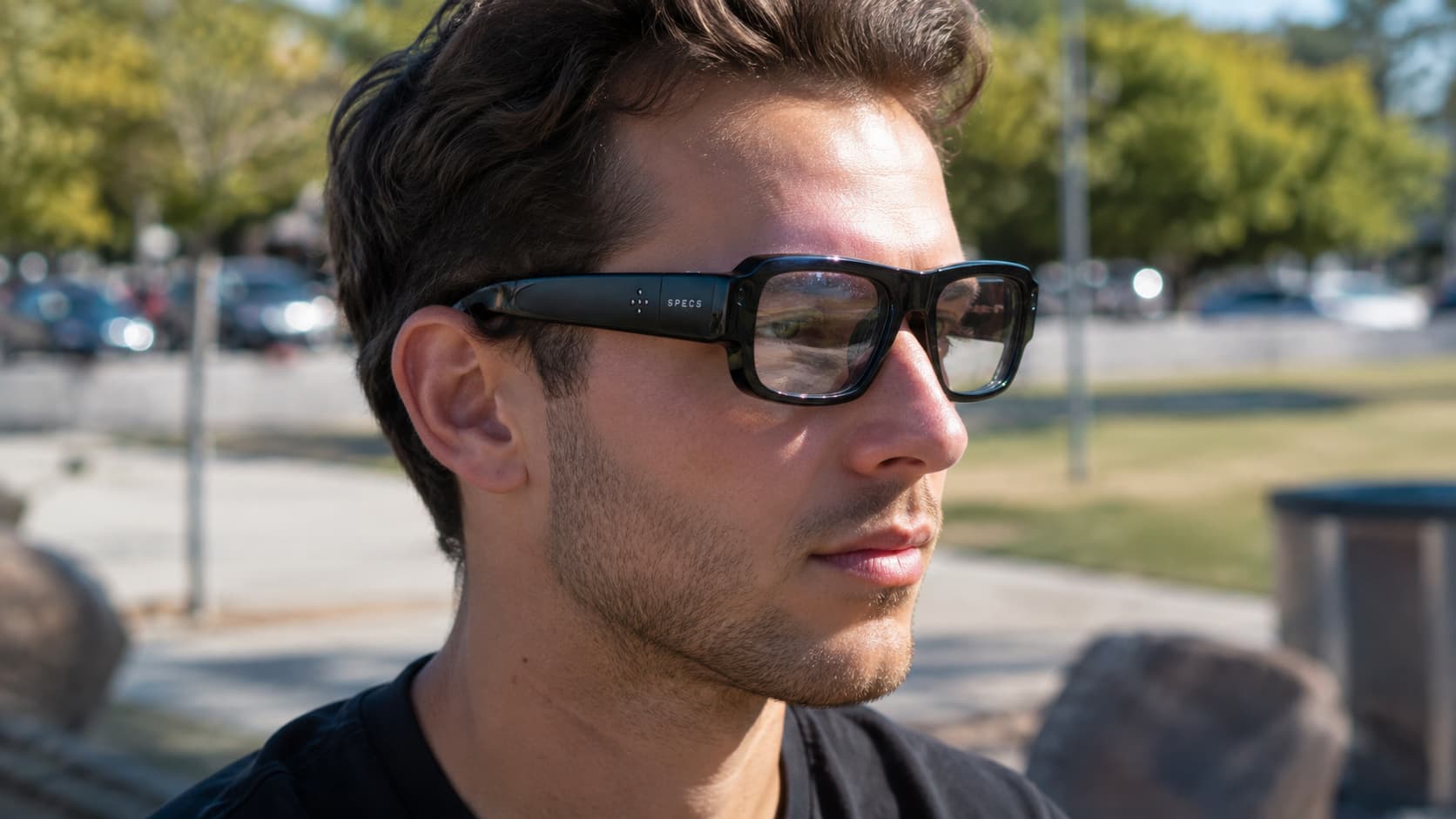
On a normal day, people mostly use smart glasses to take hands-free photos and videos, listen to music or podcasts, take phone calls, and ask a voice assistant questions. These are the features that get used the most because they solve a real, everyday problem: keeping a phone in a pocket instead of a hand.
Capturing a moment while the hands are full, like holding a child, cooking, or riding a bike, is consistently the single most-cited reason people give for buying a pair.
Many models can also translate spoken language in real time, read text out loud, identify objects or landmarks on request, and provide live captions during a conversation for people who are hard of hearing. The display-equipped versions add messaging, navigation arrows, and video call previews directly in the wearer’s line of sight.
| Feature | Available on most audio-only smart glasses | Available on display models |
|---|---|---|
| Photo and video capture | Yes | Yes |
| Music and calls | Yes | Yes |
| Voice assistant | Yes | Yes |
| Live translation | On some models | Yes |
| Visible screen for texts/navigation | No | Yes |
| Higher price and shorter battery life | No | Usually |
How Long Does the Battery Last?
Battery life depends heavily on how the glasses are being used, but most current audio-only smart glasses last somewhere between four and eight hours of regular use on a single charge. Recording video continuously drains the battery much faster than just listening to music or taking occasional photos.
The charging case that comes with most models does a lot of the work here. It typically holds several extra full charges, often adding up to roughly two full days of extra use, so a fully topped-up case can keep a pair of glasses running for a couple of days of normal use even though the glasses themselves only last a few hours between charges. Most cases also support fast charging, getting the glasses back up to around half power in about 20 minutes, useful during a short break between uses.
Display-equipped glasses generally have shorter battery life than audio-only models because powering a screen takes noticeably more energy; a full day of mixed use, combining photos, navigation, and messages, tends to land closer to five or six hours rather than eight. Anyone weighing all-day battery life against having a visual screen is making a real trade-off between the two styles, not just a cosmetic choice.
Are Smart Glasses Legal to Wear in Public?
Smart glasses are legal to wear in public in most places, but there are a growing number of specific spots where cameras of any kind, including ones built into glasses, aren’t allowed. Locker rooms, some government buildings, courtrooms, casinos, and certain workplaces commonly restrict recording devices.
Most modern smart glasses include a small LED light on the front that turns on automatically whenever the camera is capturing photo or video, specifically so people nearby know they might be on camera. Because this light is a genuine privacy feature and not just decoration, tampering with it or covering it up can violate the terms of use in some countries and raises real ethical concerns about consent.
Driving or biking with them also calls for a sensible approach. Voice commands and audio features are generally considered safer than looking down at a phone screen, but any device capable of distracting someone while operating a vehicle should be treated carefully and in line with local traffic laws, which vary by state and country.
A few places, including some gyms, schools, and private businesses, have started writing their own policies about camera-equipped wearables regardless of what the law technically says, simply because staff can’t always tell whether someone is recording. Where a venue’s stance is unclear, asking before entering tends to be the polite approach, the same way someone might ask before using a regular camera in an unfamiliar setting.
What Happens to Smart Glasses Recordings?

Where the data goes depends on what the glasses are being used for. A plain photo or video taken on purpose is usually saved to the phone first and only reaches a company’s cloud servers if a syncing or backup feature is turned on, whereas anything shown or said to the built-in AI assistant gets sent off the glasses for processing, since the frame itself isn’t powerful enough to understand a question on its own.
That second category draws more scrutiny. On the most widely used models, the wake word starts recording voice input, and that clip is typically kept on the company’s servers, sometimes for up to a year, so engineers and outside contractors can use it to make the AI assistant more accurate. Photos or video shown to the AI assistant can be treated the same way. Most brands allow this history to be reviewed and deleted through the companion app, and some regions with stronger privacy laws, like the EU, offer an option to opt out entirely that isn’t available everywhere else.
Because the camera can just as easily capture other people as the wearer, regulators in several countries have raised questions about bystanders who end up in photos or recordings without ever agreeing to it. This remains a genuinely unresolved part of the technology rather than a solved problem, and it’s one of the main reasons lawmakers and privacy groups are keeping a close eye on the category as more companies release their own versions.
Checking the privacy or data settings in the companion app during setup, turning off cloud syncing for photos and video, and periodically clearing voice history are all straightforward ways to keep more of that data local rather than sitting on a company’s servers indefinitely.
Frequently Asked Questions
Do smart glasses need to be connected to a phone to work?
Yes, for the most part. Nearly all current smart glasses rely on a Bluetooth connection to a smartphone app for setup, software updates, and features like voice assistants and translation, since the glasses themselves don’t have enough processing power or a large enough battery to run everything independently.
Are smart glasses available with prescription lenses?
Yes, prescription lenses are widely available for most major smart glasses models. Buyers typically order through an optical retailer or upload a prescription online, and the smart components stay built into the frame while the lenses are customized to the wearer’s eyesight.
Do smart glasses work for people who already wear glasses for reading or distance vision?
In most cases, yes. Manufacturers partner with optical companies so the same frame styles can be fitted with single-vision, bifocal, or even blue-light lenses, meaning people who already need corrective eyewear don’t have to choose between their prescription and the smart features.
How much do smart glasses typically cost?
Prices vary a lot by type. Audio-only smart glasses with a camera generally start a few hundred dollars, while glasses with a built-in visual display cost noticeably more because of the added screen technology, and prescription versions add the usual cost of lenses on top.
Can other people tell someone is wearing smart glasses instead of regular ones?
Usually not from a distance. Most current models are deliberately designed to look like ordinary sunglasses or eyeglasses from established eyewear brands, with the cameras, speakers, and processors hidden inside the frame and hinges so they don’t stand out.
Conclusion
Smart glasses have grown from a clunky, obviously “techy” idea into eyewear that mostly just looks like, well, eyewear. The core value for most wearers comes down to convenience: taking a photo, answering a call, or getting directions without ever touching a phone. Whether a pair is worth buying really comes down to which features would actually get used daily, since audio-only models are cheaper and last longer, while display models cost more but show information directly in the wearer’s line of sight.